
SAP Automation & Integration: Complete Guide to APIs, Workflows & Real-Time Data Sync
Introduction

Modern businesses can no longer rely on manual SAP processes. From order handling to reporting, repetitive tasks slow down operations and increase errors.
This is where SAP automation and integration plays a critical role.
By using APIs, workflows, and real-time data sync, businesses can reduce manual work by up to 70% and improve efficiency significantly.
How to Automate SAP Processes Using APIs (Beginner Guide)
APIs allow SAP to communicate with external systems automatically.
- Use REST or OData APIs
- Trigger actions like order creation or updates
- Automate data exchange between systems
Example API Request:
{
  "customer": "John",
  "order_id": "ORD1001",
  "status": "Created"
}
SAP Integration with Third-Party Tools
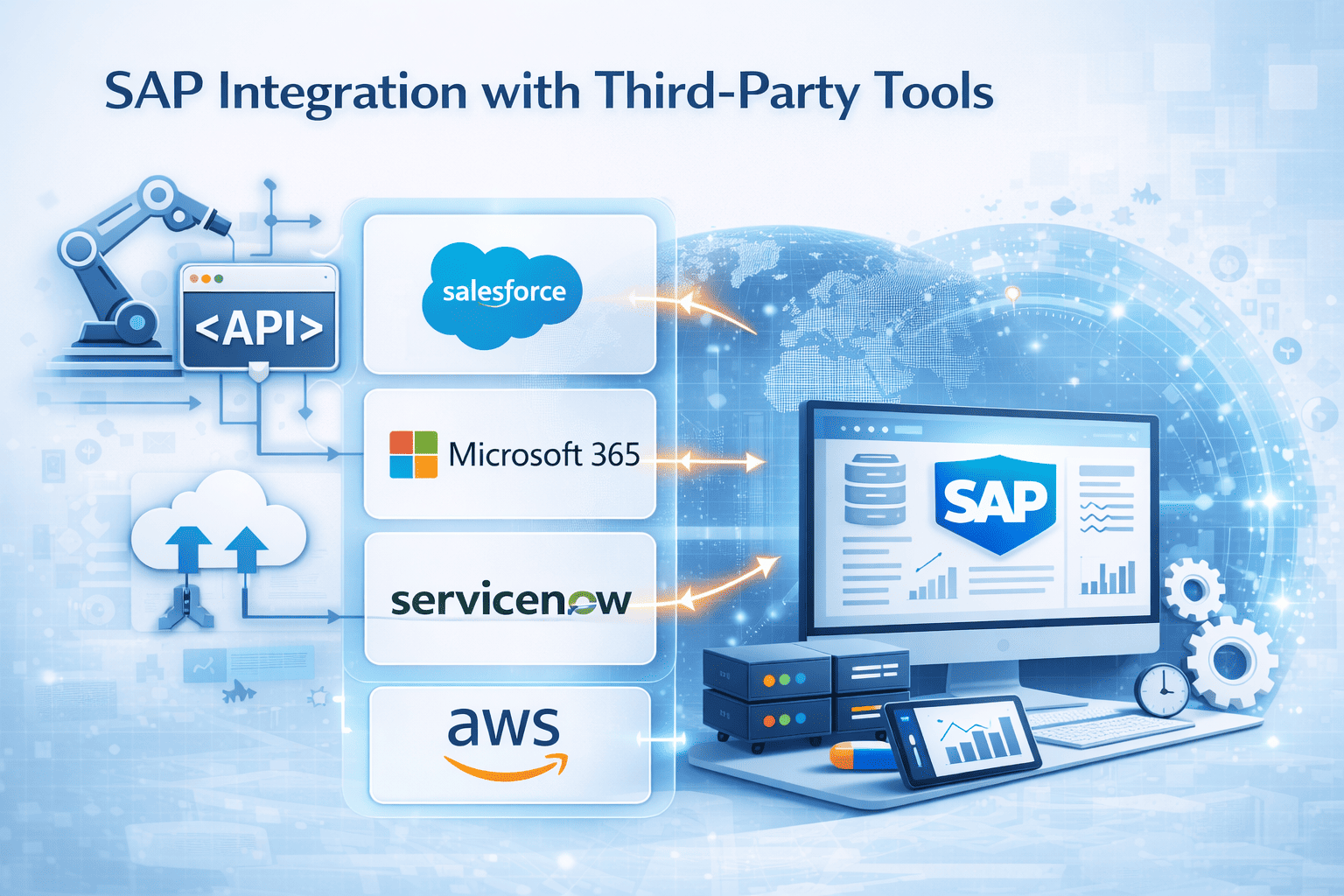
SAP can be integrated with multiple tools:
- CRM systems (Salesforce, HubSpot)
- WhatsApp for notifications
- Payment gateways
- Custom SaaS applications
This enables seamless business workflows across platforms.
Best Ways to Connect SAP with Modern SaaS Applications
- Use middleware (Node.js, Python)
- Leverage SAP BTP (Business Technology Platform)
- Use webhooks for real-time triggers
- Implement secure API gateways
These approaches ensure scalable and secure integrations.
SAP Workflow Automation: Reduce Manual Work by 70%
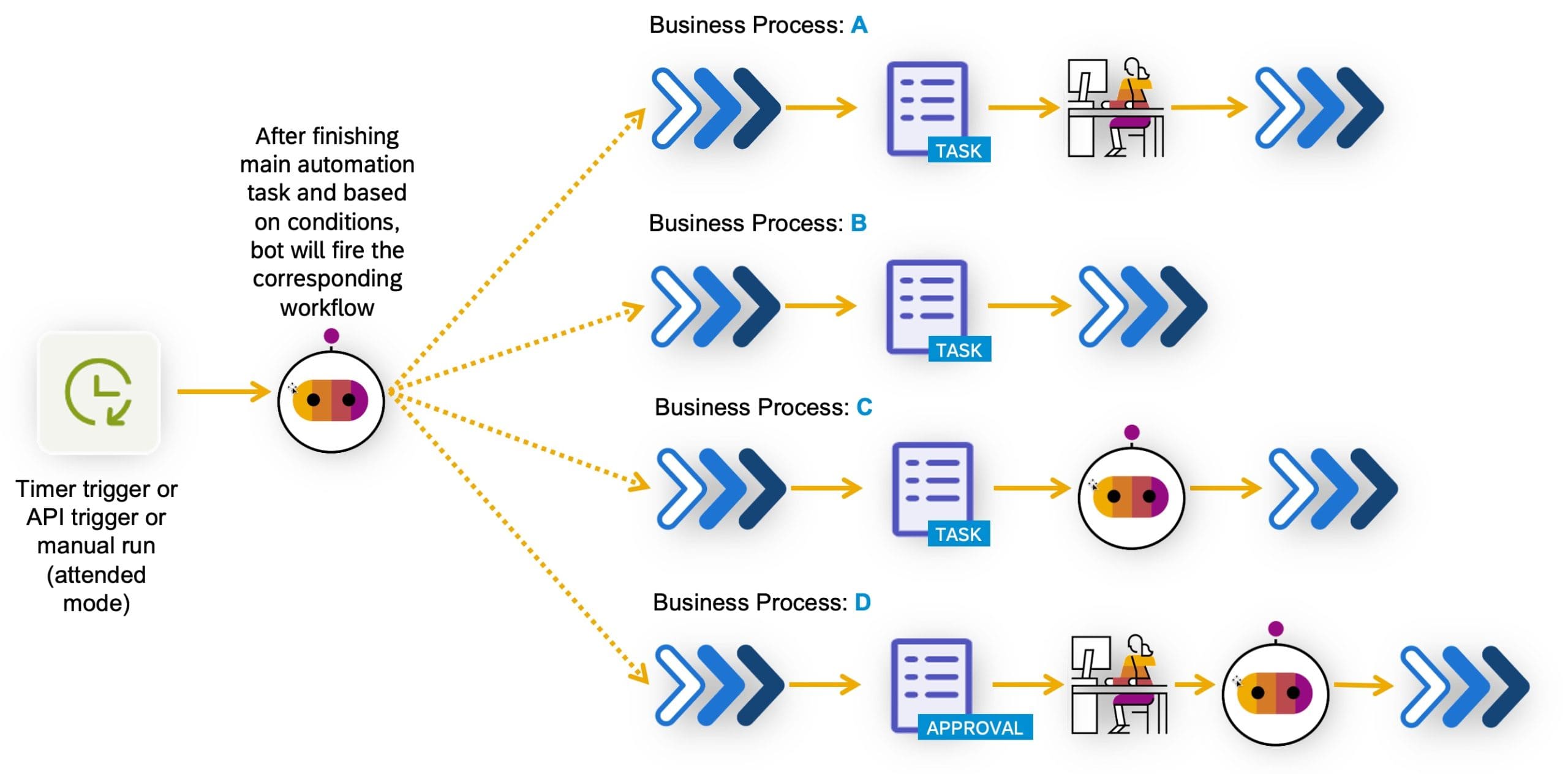
Workflow automation removes repetitive manual tasks.
- Auto-approve purchase orders
- Trigger invoice generation
- Send alerts and notifications
- Automate approvals
This improves speed, accuracy, and efficiency.
How to Build Real-Time Data Sync Between SAP and Other Systems
Real-time data sync ensures all systems stay updated instantly.
- Use event-driven architecture
- Implement webhooks
- Use message queues (Kafka, RabbitMQ)
- Ensure data consistency
Example Sync Payload:
{
  "order_id": "ORD1001",
  "status": "Shipped",
  "updated_at": "2026-03-31T10:00:00Z"
}
Benefits of SAP Automation & Integration
- Reduce manual work by up to 70%
- Improve operational efficiency
- Real-time data visibility
- Better decision-making
- Scalable system architecture
Challenges & Best Practices
- API security: Use authentication and encryption
- Data accuracy: Validate inputs
- System reliability: Implement retry logic
- Monitoring: Track API performance
Conclusion
SAP automation and integration is essential for modern businesses aiming to scale efficiently.
By leveraging APIs, workflows, and real-time data sync, companies can transform their ERP into a powerful automation engine.
Ready to automate your SAP processes?
Think Info Services helps businesses implement SAP automation, API integrations, and real-time workflows.
Contact Us →